Makoto

A feature packed discord bot!






## Developing Plugins
1. Download the latest version of Makoto [here](https://github.com/Fortunevale/ProjectMakoto/releases).
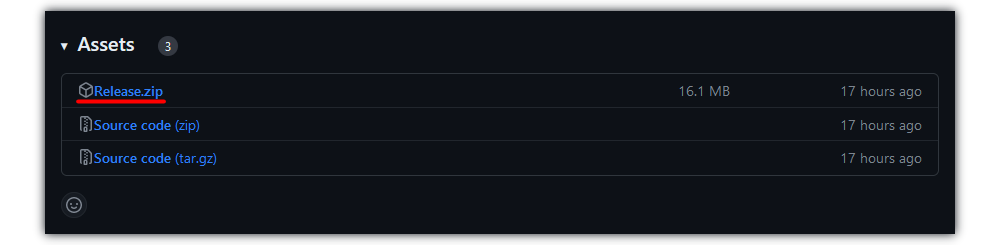
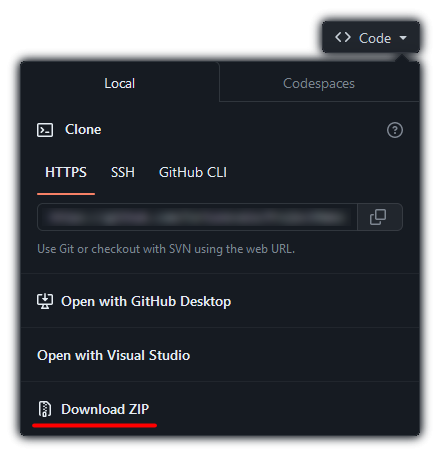
2. Download the example plugin's source code [here](https://github.com/Fortunevale/ProjectMakoto.Plugins.Example).
3. Create a folder called `deps` in the root directory of the example plugin.
4. Drop all files of release zip archive into the `deps` folder.
5. Open the project.
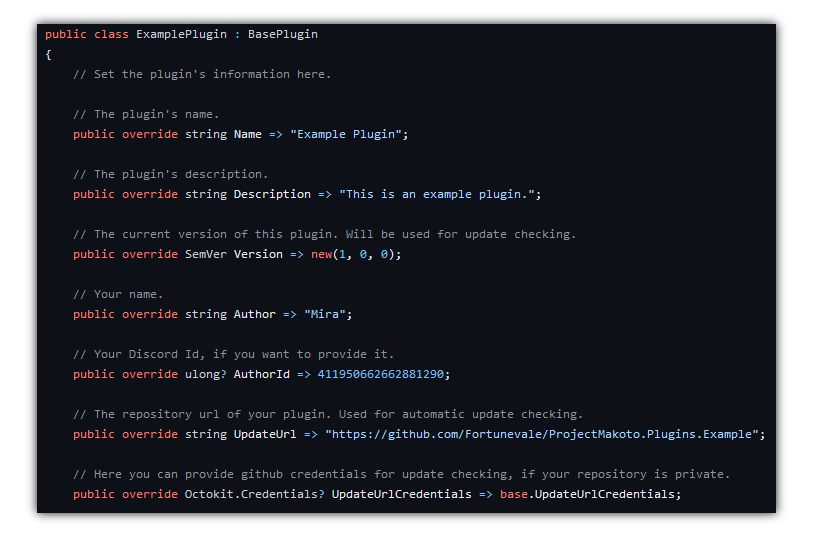
6. Specify your Plugin's Name, Author and other details in `ExamplePlugin.cs`.
- The comments should help you get started.
- You can rename this file, project and everything else, inheriting the `BasePlugin` is what matters for Makoto to find and load your plugin.
## Testing your plugin
You need to set up Makoto ([Guide](CONTRIBUTING.md#running-makoto-with-all-necessary-dependencies)). Running/Debugging Makoto with all necessary dependencies.
To run Makoto, you can instead use `dotnet run ProjectMakoto.dll` in the folder you saved Makoto to in Step 1 of Developing.